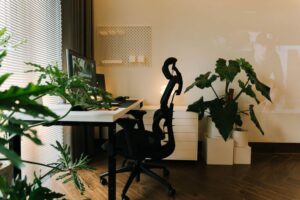
Simple Tips for Organizing Your Home Office to Boost Productivity
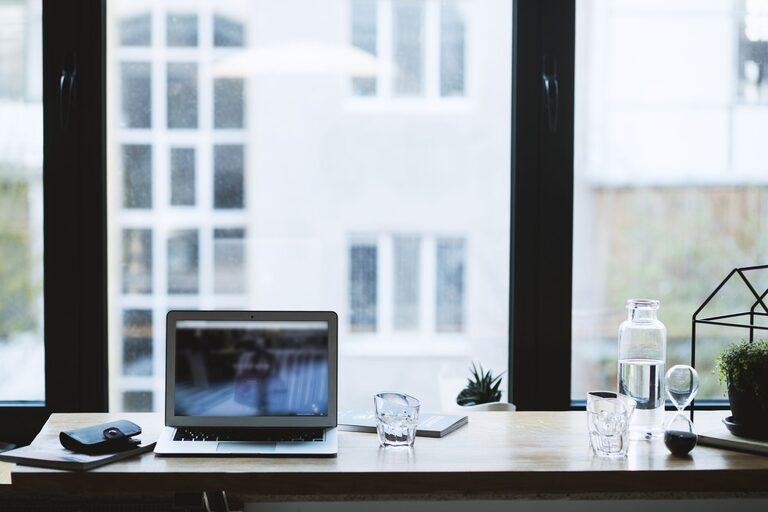
Creating an organized home office can make a significant difference in your productivity and overall work experience. Whether you work remotely full-time or occasionally, having a tidy, well-arranged workspace helps reduce distractions and keeps your mind clear. Here are simple, effective tips for organizing your home office to boost productivity, no matter the size of your room or budget.
1. Choose the Right Location for Your Home Office
The foundation of an effective workspace starts with picking the best spot. Ideally, your office should be in a quiet area of your home away from heavy foot traffic. Natural light is a bonus, as it helps reduce eye strain and improves mood.
If space is limited, consider a corner of a living room or bedroom. Just make sure you have enough room for your desk, chair, and any equipment you frequently use.
2. Invest in Functional Furniture
Comfort and functionality are key when selecting office furniture. A desk with adequate surface area lets you spread out your work materials without feeling cramped. Adjustable chairs provide vital support for your back, reducing discomfort during long work sessions.
Think about storage options like desks with built-in drawers or nearby shelving to keep supplies organized and within reach.
3. Declutter and Organize Regularly
A cluttered desk can hinder your ability to focus. Start each day by clearing off unnecessary papers, gadgets, and clutter. Use organizers, trays, or containers to group similar items.
Tips for Decluttering:
– Sort papers into categories: urgent, to file, or to discard.
– Store frequently used items within arm’s reach.
– Set weekly or monthly sessions to tidy and reassess your organization system.
4. Use Storage Solutions Wisely
Good storage is essential to keep your office neat and help you find what you need quickly. Utilize vertical space by adding shelves or pegboards on your walls for supplies and notes. Drawer dividers keep small items like pens and paper clips sorted.
Label storage containers and files for easy identification. Using clear containers can also help you see contents without opening them.
5. Manage Cables and Electronics
Messy cables not only look unsightly but can be distracting and frustrating. Use cable organizers such as clips, sleeves, or ties to keep cords tidy. Position your computer, printer, and other devices close enough to outlets to reduce cord clutter.
Consider wireless devices where possible to minimize cables further.
6. Personalize Without Overdoing It
Adding personal touches such as photos, plants, or artwork can make your workspace more inviting and comfortable. However, avoid overcrowding your desk or walls, as too many decorations may distract you.
A small plant, a framed photo, or a well-chosen inspirational quote can enhance your environment subtly.
7. Optimize Lighting for Comfort and Focus
Good lighting helps reduce eye strain and keeps you alert. Combine natural daylight with adjustable task lighting to brighten your workspace. Position your desk near a window if possible, and add a desk lamp with adjustable brightness for late-night work.
Avoid harsh overhead lights or glare on your computer screen.
8. Implement Time Management Tools
Organizing your physical space is important, but managing your time effectively also boosts productivity. Keep calendars, planners, or digital scheduling tools in your office to track deadlines and appointments.
Use a whiteboard or bulletin board to pin notes, reminders, or a to-do list you can easily glance at throughout the day.
9. Create Zones for Different Activities
If your home office is large enough, divide it into zones for specific tasks, such as computer work, reading, or phone calls. Having dedicated areas helps your brain switch focus and stay organized.
For smaller spaces, simply use different organizers or trays to separate work materials related to distinct projects.
10. Maintain a Clean and Inviting Environment
Finally, set aside time to clean your office regularly. Dust surfaces, wipe your desk and electronics, and keep the floor clear. A fresh, clean space can improve your mood and help you start work with better energy.
Having a neat environment also sets a professional tone if you have virtual meetings from home.
—
By following these simple tips for organizing your home office, you’ll create a more pleasant and productive workspace. With consistent effort and thoughtful design, you’ll find it easier to focus on your tasks and enjoy your work-from-home experience.